Structured exports for AI work
Turn AI conversations into documents you can use.
Export a complete supported conversation with its code, equations, tables, lists, links, and useful context intact.
Chrome extension · Chrome Web Store 1.0.0 · Local files do not use the ChatPort backend
Compatibility
Choose the destination that fits the work.
ChatPort supports conversations on ChatGPT, Gemini, Claude, and Codex web. Codex desktop is not supported.
| Destination | Structure and equations | Captured images | Backend |
|---|---|---|---|
| Notion | Text, code, tables, lists, links, and LaTeX equations | Not included in the current public Store release | Only when you choose Notion export |
| Formatted document with MathML equations | Included in local files | Not used | |
| Markdown | Formatted Markdown with LaTeX equations | Included in local files | Not used |
| HTML | Standalone document with MathML equations | Included in local files | Not used |
Two export paths
Keep files local, or send text to a Notion page you choose.
Local files
PDF, Markdown, and standalone HTML are created inside Chrome. Conversation content is not sent to the ChatPort backend.
Notion
Connect a workspace with OAuth, choose an authorized top-level destination or workspace home, then explicitly export formatted text.
Review before export
- Open a conversation on a supported AI site.
- Open ChatPort and review the title, message count, and character count.
- Choose Notion, PDF, Markdown, or HTML.
- Open the result and check the parts you need.
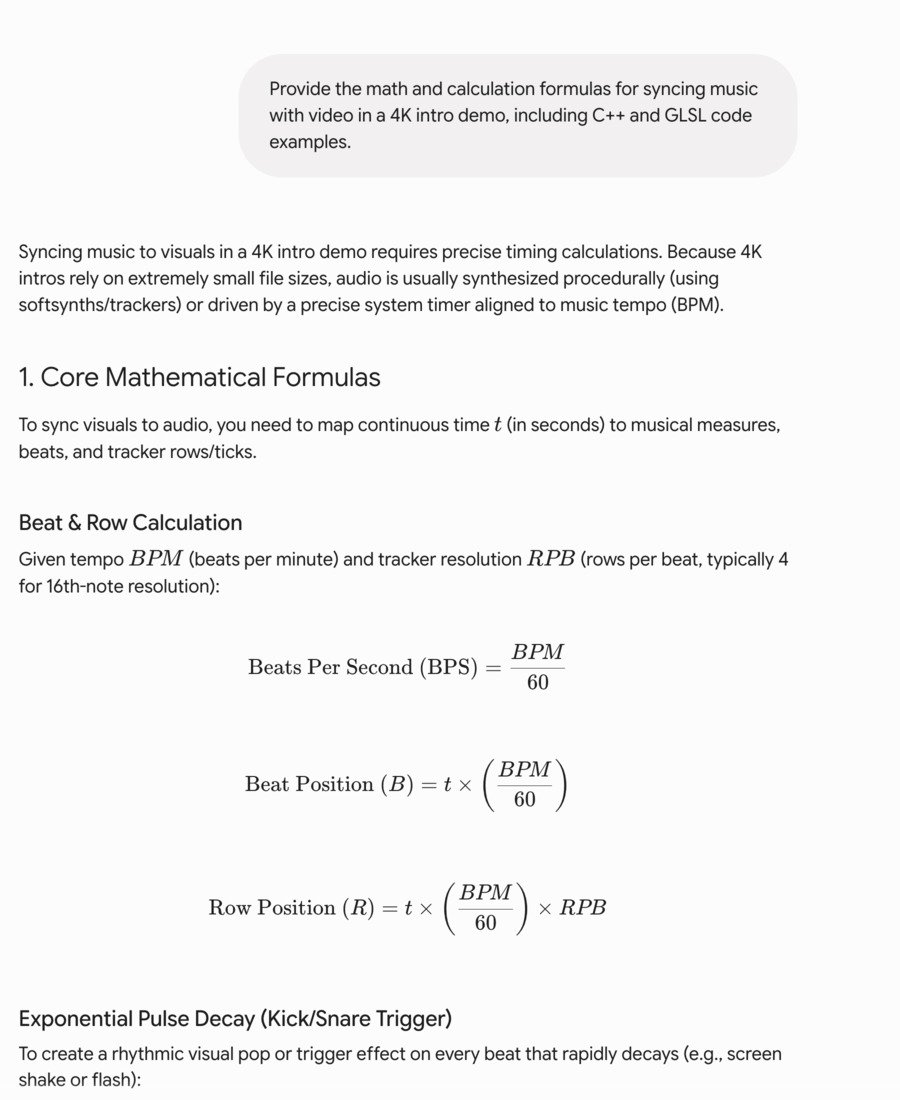
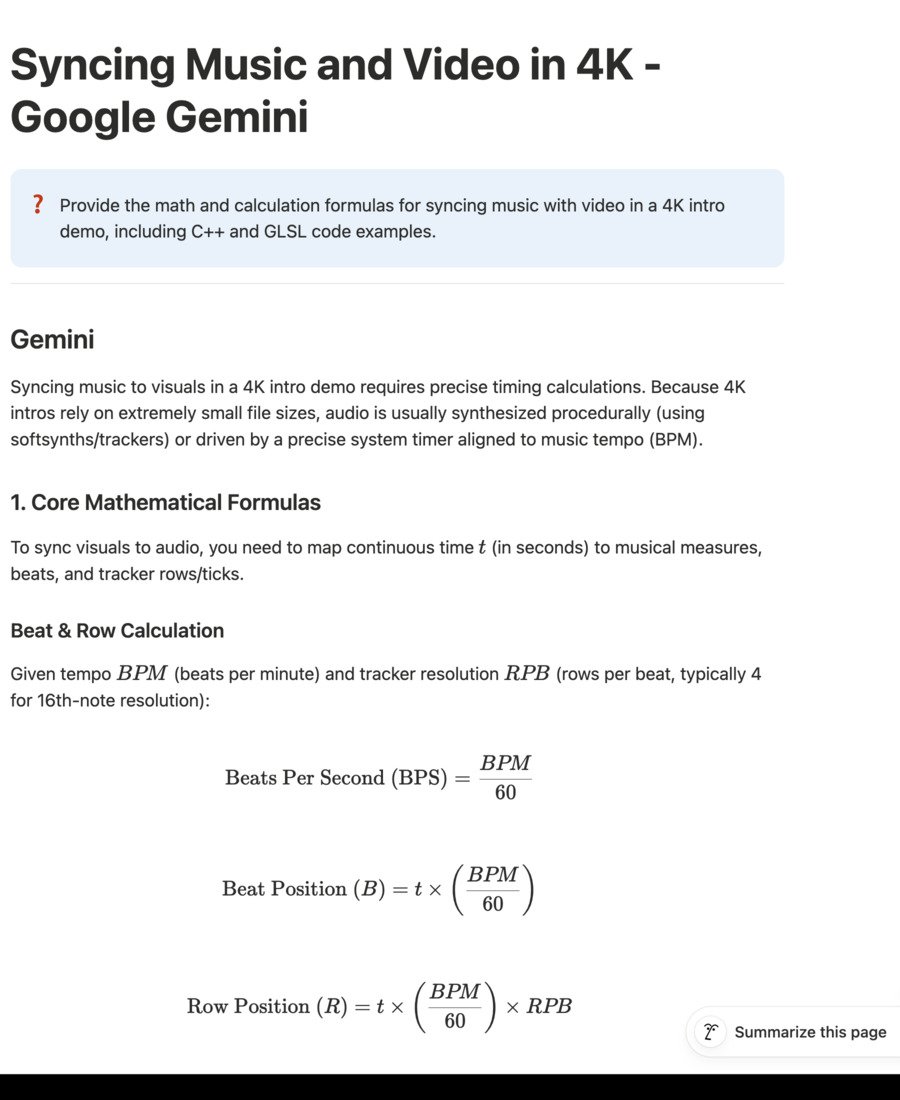
Evidence, not a mockup
See preserved structure in a real export.
The guide shows the source and result separately, with captions that state exactly what was tested.
Keep the useful structure
More than flattened copy and paste.
- Math stays usable. Inline and block equations remain LaTeX in Notion and Markdown, and MathML in PDF and HTML.
- Code stays readable. Headings, links, quotes, tables, inline code, code blocks, and nested lists keep document structure.
- Visual context stays local. Capture visible images, SVGs, canvases, charts, and diagrams for local files.
Chrome Web Store
Install the public release.
Use the Store listing for the current public extension. Release notes distinguish it from the next candidate update.